> For the complete documentation index, see [llms.txt](https://docs.360dialog.com/partner/llms.txt). Markdown versions of documentation pages are available by appending `.md` to page URLs; this page is available as [Markdown](https://docs.360dialog.com/partner/get-started/tech-provider-program/become-a-meta-tech-partner.md).
# Become a Meta Tech Partner
This page describes the Meta Tech Partner program
Meta Tech Providers that meet eligibility criteria can upgrade to a **Meta Tech Partner**
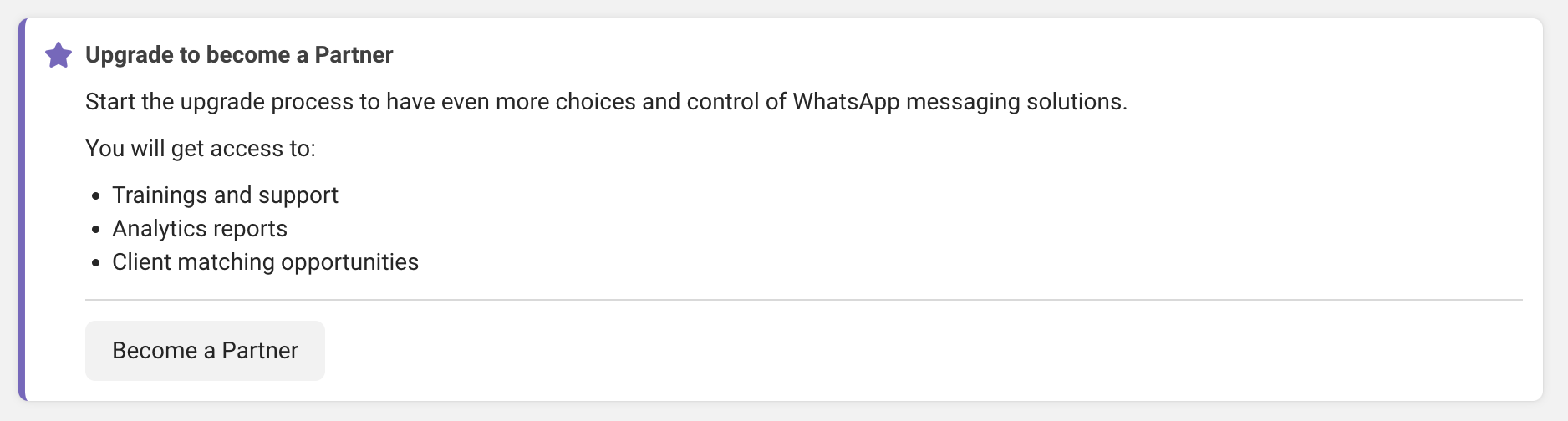
Becoming a Tech Partner allows Businesses to have even more choices and control of WhatsApp messaging solutions. It also grants access to benefits such as:
* Training and support
* Analytics reports
* Business customer matching opportunities
### Eligibility Requirements
To be eligible for an upgrade, Businesses must:
* have successfully completed all [Tech Provider Get Started](https://developers.facebook.com/documentation/business-messaging/whatsapp/solution-providers/get-started-for-tech-providers) steps
* greater than or equal to 2,500 average daily messages (sent or received) on the WhatsApp Business Platform between your business and its users over the last 7 days or greater than or equal to 200 average daily calls (business-initiated or user-initiated) on the WhatsApp Business Platform between your business and its users over the last 7 days
* 10 or more active business customers (have used your app to send at least 1 message in the last 30 days)
* maintain a business phone number [quality rating](https://www.facebook.com/business/help/896873687365001) of 90% or better
### Steps to upgrade to Meta Tech Partner
{% stepper %}
{% step %}
#### Access the Upgrade Flow
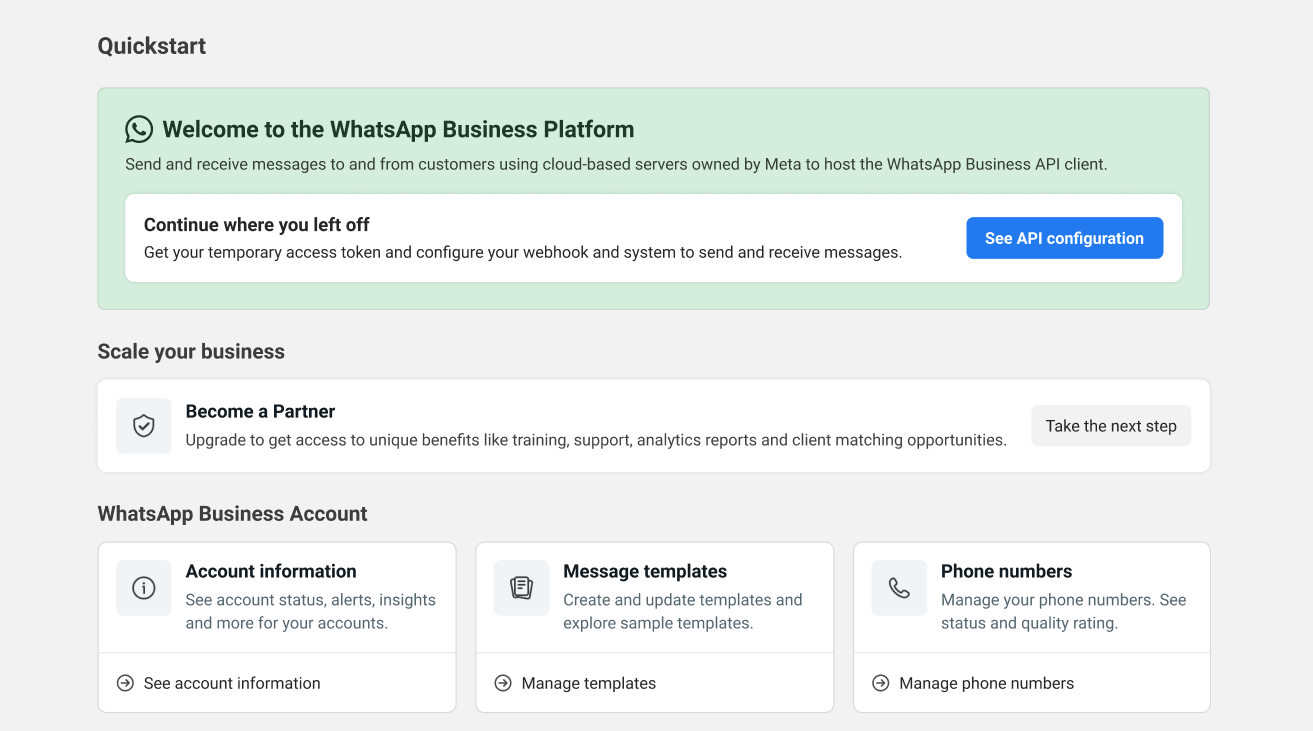
In the [App Dashboard](https://developers.facebook.com/apps), navigate to **WhatsApp** > **Quickstart**, and in the **Become a Partner** section, click the **Take the next step** button.
{% endstep %}
{% step %}
#### Initiate the Upgrade Process
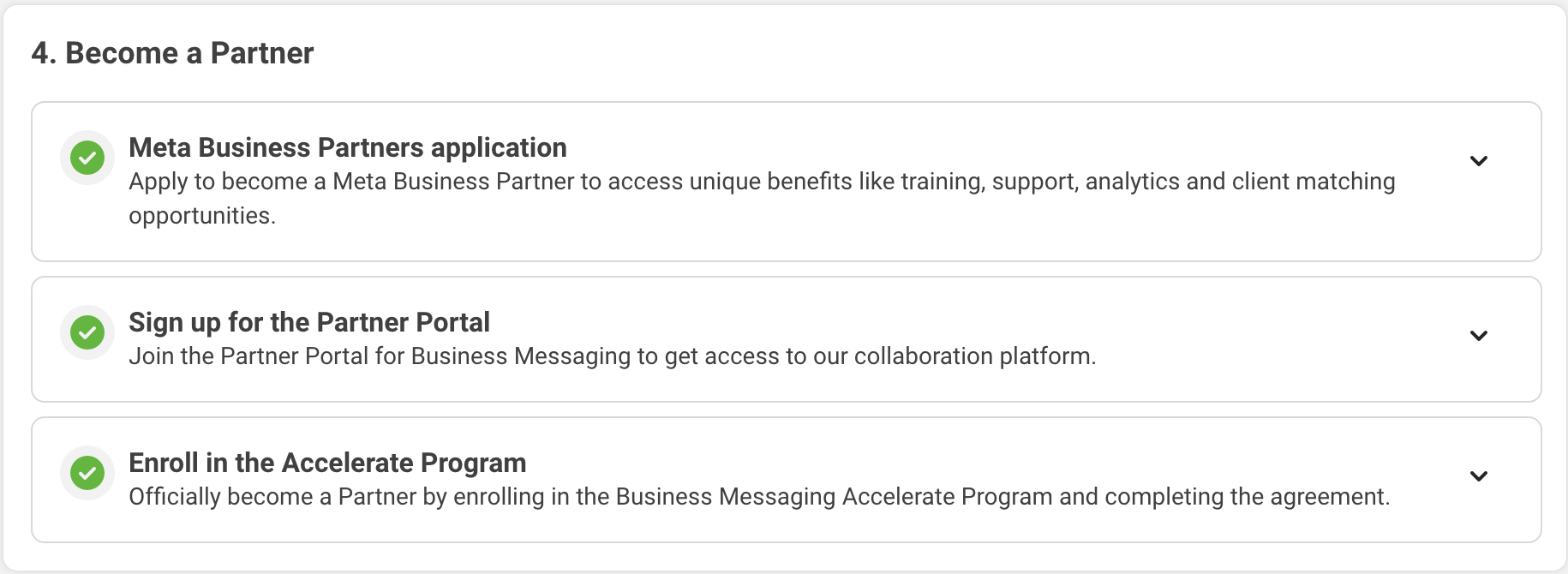
On the **Onboarding** page, scroll to the bottom and click **Become a Partner**. This will reveal the 4 steps that are required to complete the upgrade to become a Tech Partner.
Keep in mind the following:
* Please carefully fill out all business details because the information will be submitted and reviewed for approval.
* During a few of these steps, you will receive emails as shown in the steps below. If you do not see them, check your spam folder.
* This process will likely take a few weeks to complete to get through all of the approvals.
{% endstep %}
{% step %}
#### Add the WhatsApp Specialty For Your Business
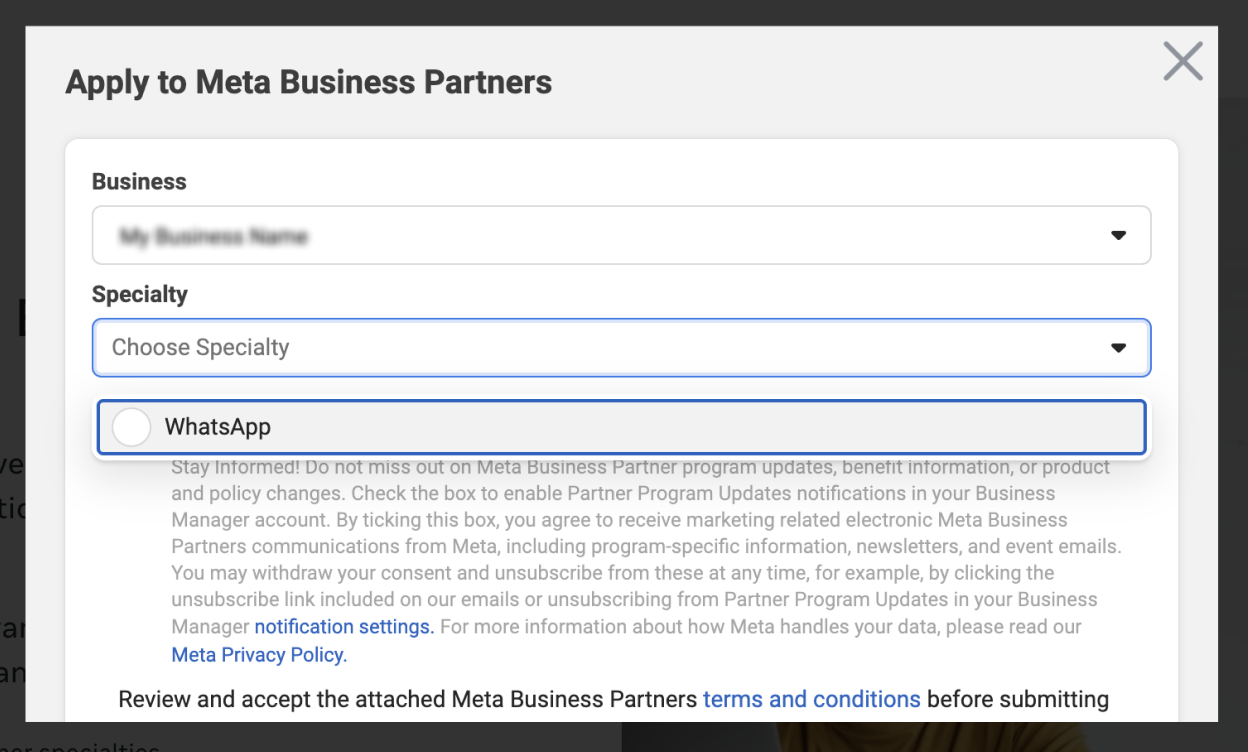
Return to the **Onboarding** page inside of Meta for Developers and navigate to the **Meta Business Partners** application step, then click the **Apply now** button to submit an application to become a Meta Business Partner and apply for the WhatsApp Specialty.
{% endstep %}
{% step %}
#### Sign up for the Partner Portal
Navigate back to the Onboarding page in Meta for Developers and scroll down to the **Sign up for the Partner Portal** step. Click **Sign up** and on the Partner Portal login screen select the link to **Sign up**. Add your name and business ID and accept the agreement to create the account.
The Partner Portal is a resource to use as a partner to collaborate on deals with the Business Messaging team as well as access resources such as marketing and sales material.
Once you have created an account, you will receive an email with a link to get started and add your account password.
{% endstep %}
{% step %}
#### Enrol in the Accelerate Program
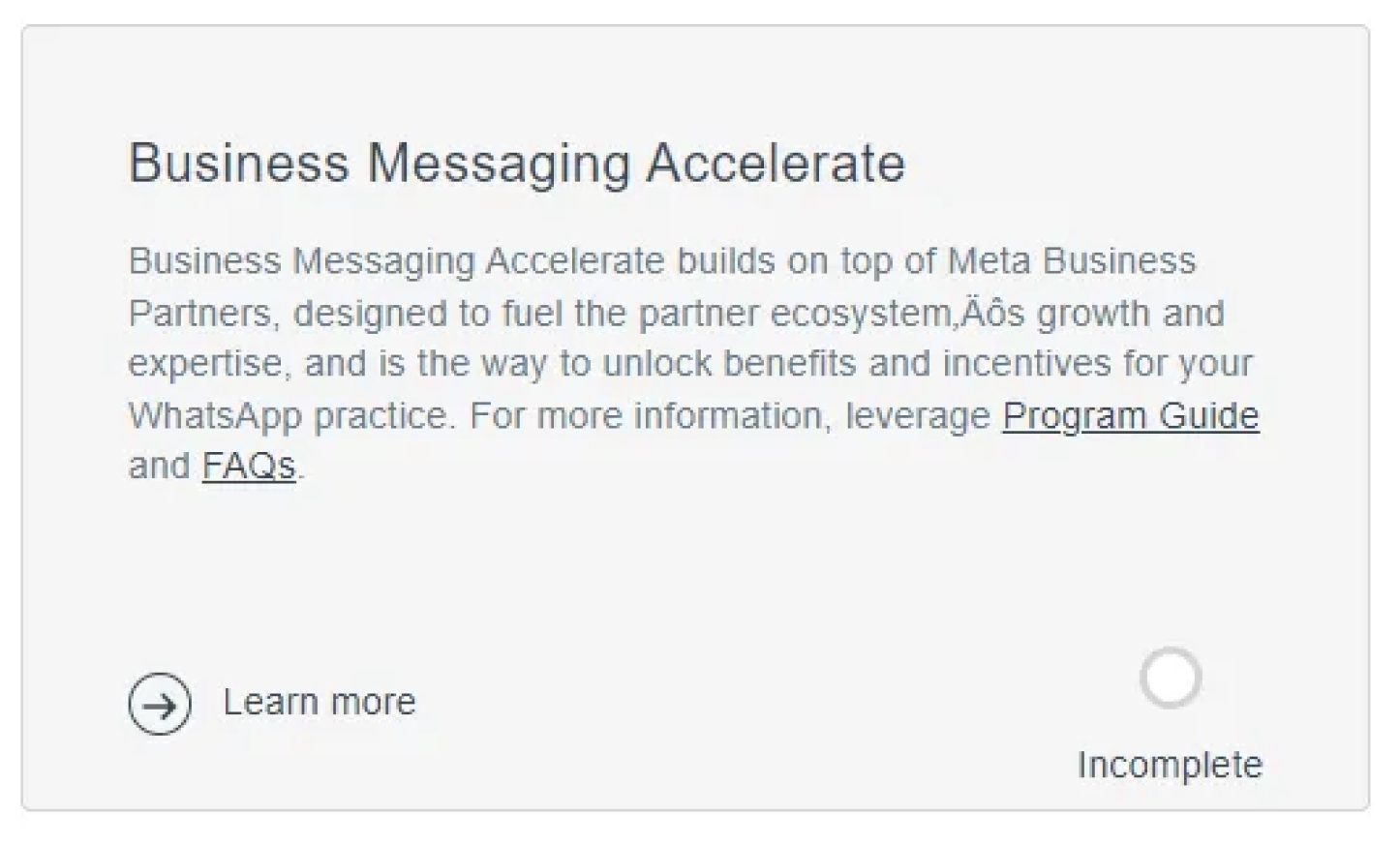
The final step is to enroll in the **Business Messaging Accelerate Program** and accept the agreement. On the **Onboarding** page in Meta for Developers, scroll down to the last step to **Enroll in the Accelerate Program** and click the button to **Complete enrollment**.Inside of the Partner Portal, look for the **Business Messaging Accelerate** card and click to view and sign. You will be able to download the agreements if needed.
When you return to the **Onboarding** page in Meta for Developers, if all steps are complete, you are officially a Tech Partner!
{% endstep %}
{% endstepper %}
### **Tech Partner FAQ**
Is Meta Tech Provider and Meta tech Partner the same thing?
No, these are two separate Partner types. See the [comparison table here](https://developers.facebook.com/documentation/business-messaging/whatsapp/solution-providers/overview#comparison).
Are there any technical differences between Meta Tech Providers and Meta Tech Partners?
No technical difference, what changes is that after the Tech Provider achieves a certain volume of active customers and message they can become a Meta partner that will unlock access to some portal and also be listed in Partner Directory.
Can 360dialog grant Meta Tech Partner status?
No. The process and decision to grant Tech Partner status is managed entirely by Meta.
---
# Agent Instructions
This documentation is published with GitBook. GitBook is the documentation platform designed so that both humans and AI agents can read, navigate, and reason over technical content effectively. Learn more at gitbook.com.
## Querying This Documentation
If you need additional information that is not directly available in this page, you can query the documentation by asking a question.
Perform an HTTP GET request on the following URL with the `ask` and `goal` query parameters:
```
GET https://docs.360dialog.com/partner/get-started/tech-provider-program/become-a-meta-tech-partner.md?ask=&goal=
```
`ask` is the immediate question: it should be specific, self-contained, and written in natural language.
`goal` is what the user is ultimately trying to achieve, the reason they need the answer. Sharing it helps GitBook give you a better, more relevant answer. A goal is most helpful when it describes the outcome the user wants rather than restating the question. For example, with `ask=how do I create an API token`, a goal like `automate deployments from our CI pipeline` lets GitBook tailor the answer to that use case.
The response will contain a direct answer to the question and relevant excerpts and sources from the documentation.
Use this mechanism when the answer is not explicitly present in the current page, you need clarification or additional context, or you want to retrieve related documentation sections.